We are excited to announce the release of
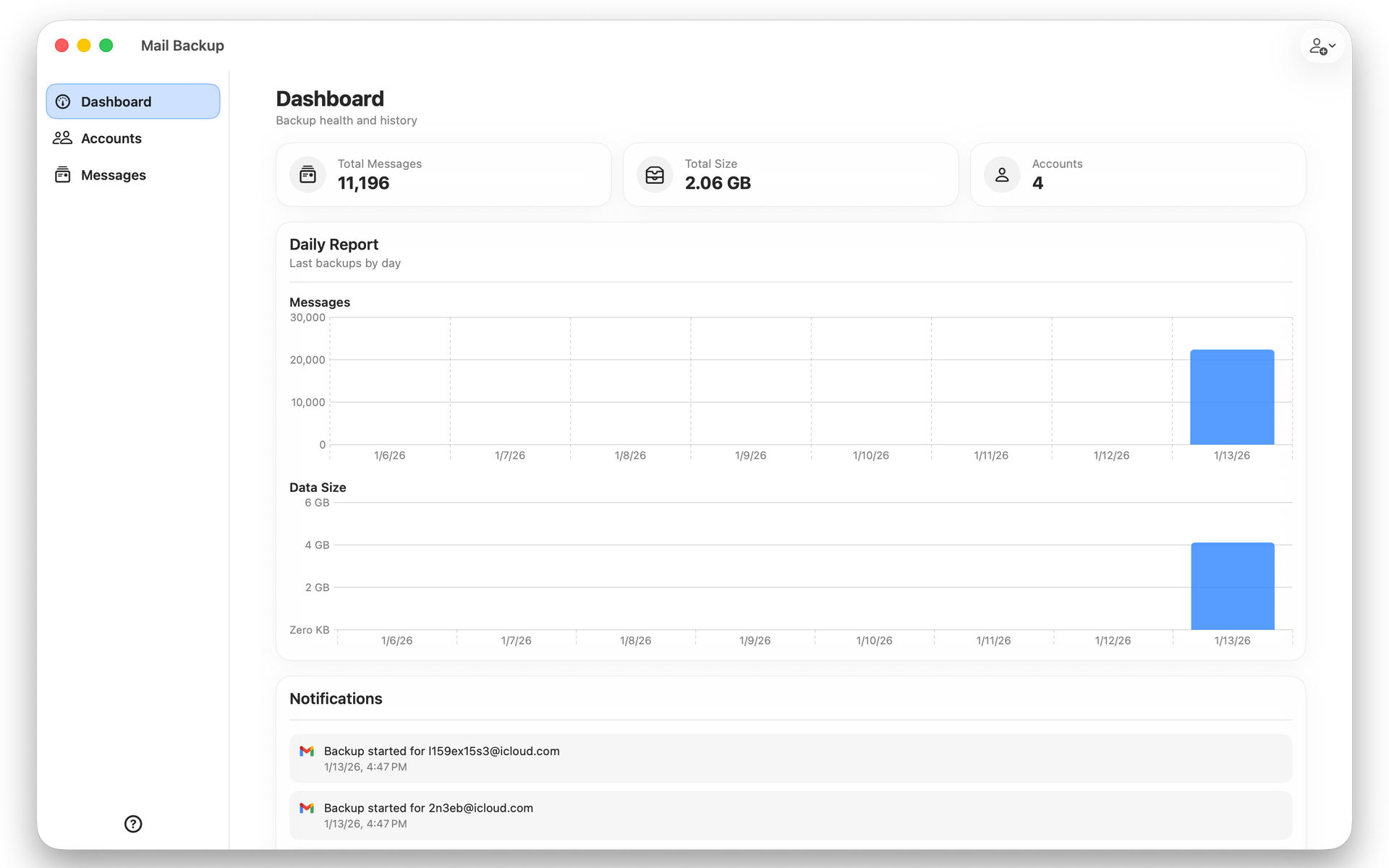
Mail Backup 1.2, a new update focused on improving reliability, usability, and overall polish across the application.
This release continues our commitment to making Mail Backup a dependable tool for protecting the email that matters most, whether you are using it for personal records, professional communication, or long term compliance needs.
Version 1.2 delivers several important fixes and refinements based directly on user feedback and internal testing.
Improved Backup Error Handling
Backup reliability remains one of our top priorities. In this release, we improved how backup errors are handled and displayed.
- Backup error messages now clear automatically when a new backup starts
- Error states are cleared correctly when a backup completes
These changes prevent stale or misleading error messages from lingering in the interface and provide a clearer picture of your current backup status.
Faster and More Responsive Account Controls
We addressed a delay that affected button state updates on account actions. Account controls now update immediately, making starting and stopping backups feel faster and more responsive.
This improvement reduces confusion and ensures the interface always reflects the current state of each account.
More Accurate Statistics
Some users reported inconsistencies in backup statistics. In Mail Backup 1.2, we corrected issues that could cause stats to display incorrectly.
Your backup counts, progress indicators, and historical data should now be more accurate and consistent.
Preferences Window Layout Fix
We fixed an issue where the Preferences window size could behave incorrectly. The window now opens and resizes properly, providing a more consistent and polished settings experience.
Open Accounts Directly from the Menu Bar
One of the most requested usability features is now available.
Mail Backup 1.2 adds the ability to open an account directly from the menu bar. This makes it faster to jump into account details, monitor activity, or start a backup without opening the main application window.
Continuing Our Commitment
Mail Backup 1.2 reflects our ongoing focus on stability, clarity, and user experience. We are proud of the progress we are making and grateful for the feedback that helps guide each release.
This update is another step forward in our growing product line and our long term commitment to building reliable tools you can trust.
If you have questions, feedback, or press inquiries, please contact us at
hello@classygeeks.com.
Thank you for using Mail Backup, and we look forward to sharing even more improvements soon.