


We are excited to announce the release of Mail Backup 1.2, a new update focused on improving reliability, usability, and overall polish across the application.
This release continues our commitment to making Mail Backup a dependable tool for protecting the email that matters most.

Today we are excited to officially introduce Central Huddle, a macOS application built to bring clarity, focus, and structure to modern work communication.
Work no longer lives in a single inbox. Email, chat, meetings, and shared tools are spread across platforms, accounts, and organizations. Central Huddle was design
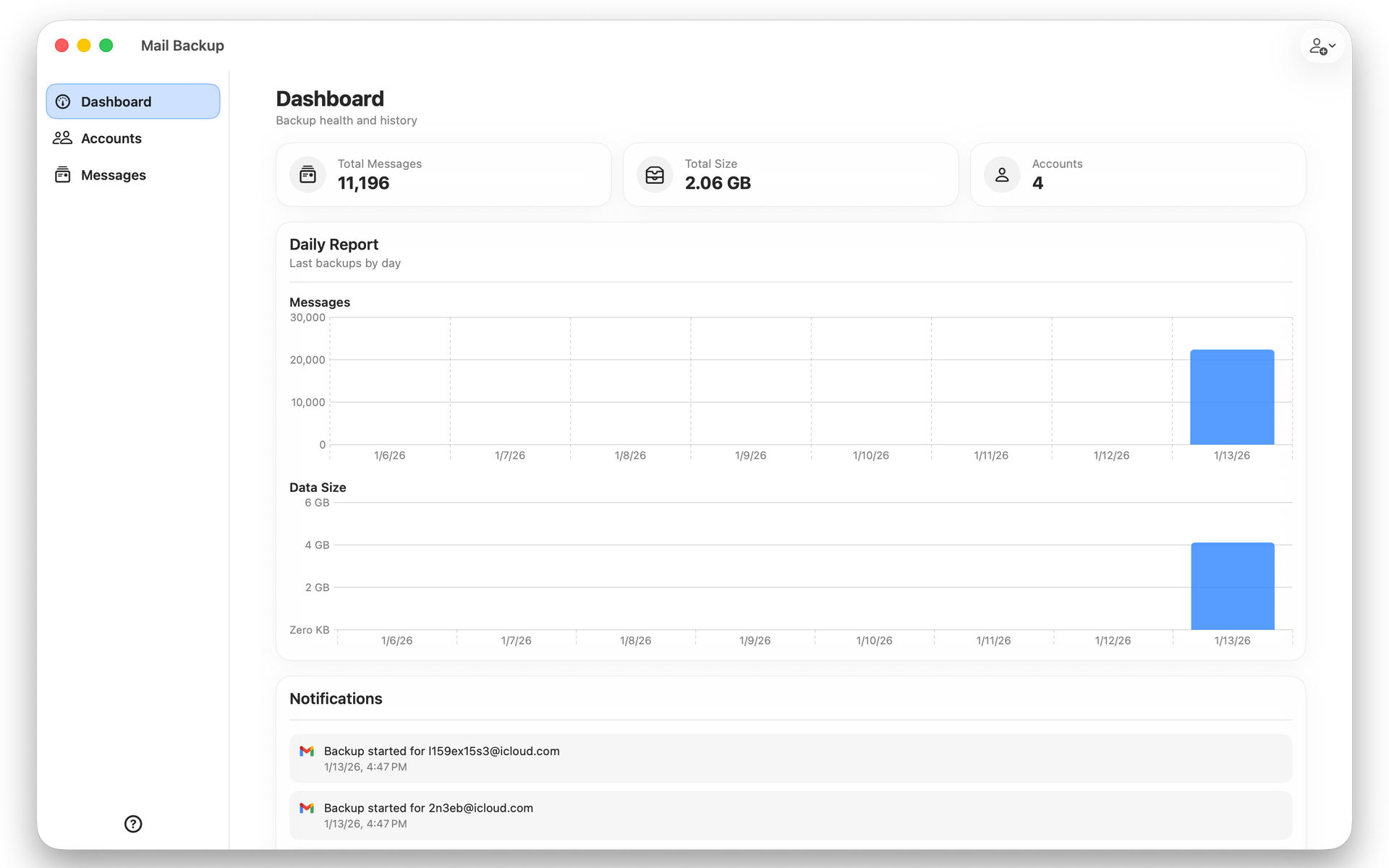
We are excited to announce the release of Mail Backup 1.1.0, a meaningful update that reflects our continued commitment to building a reliable, elegant, and trustworthy email backup solution for macOS.
This release focuses on refinement, usability, and accessibility, while laying the foundation for what comes next in
ClassyGeeks announces the launch of Mail Backup, a secure email backup solution designed to protect personal records, business communications, and compliance critical data.